All Products
All your products will be displayed on this page. After saving, you always have the option to modify an existing product, delete or add information about it. You can search by name or SKU number. Before adding a product first you need to decide which type of product you would like to add to your store. TAU Commerce supports three types of products. Simple, configurable and grouped products. Here is a little explanation of product types that will help you decide which product you want to add. Here is some quick explanation of product types that you can add to your store:
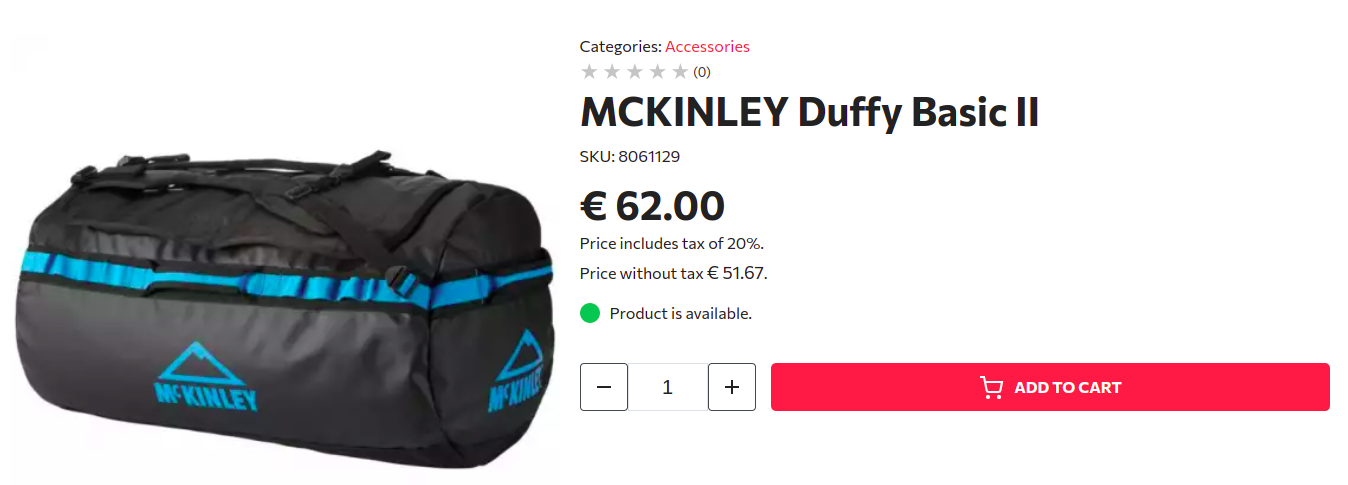
Simple product: A product that has no variations and contains one physical product. A good example of this product type would be a single hat that has no variations. This means that the hat has only one size, one color and is created from one material - because of that customer has no options to choose from. Hence this product has one SKU only since it is a one physical product. This type of product can have some (or all) attributes from one attribute set. This will allow your customers to find this product based on storefront filters.
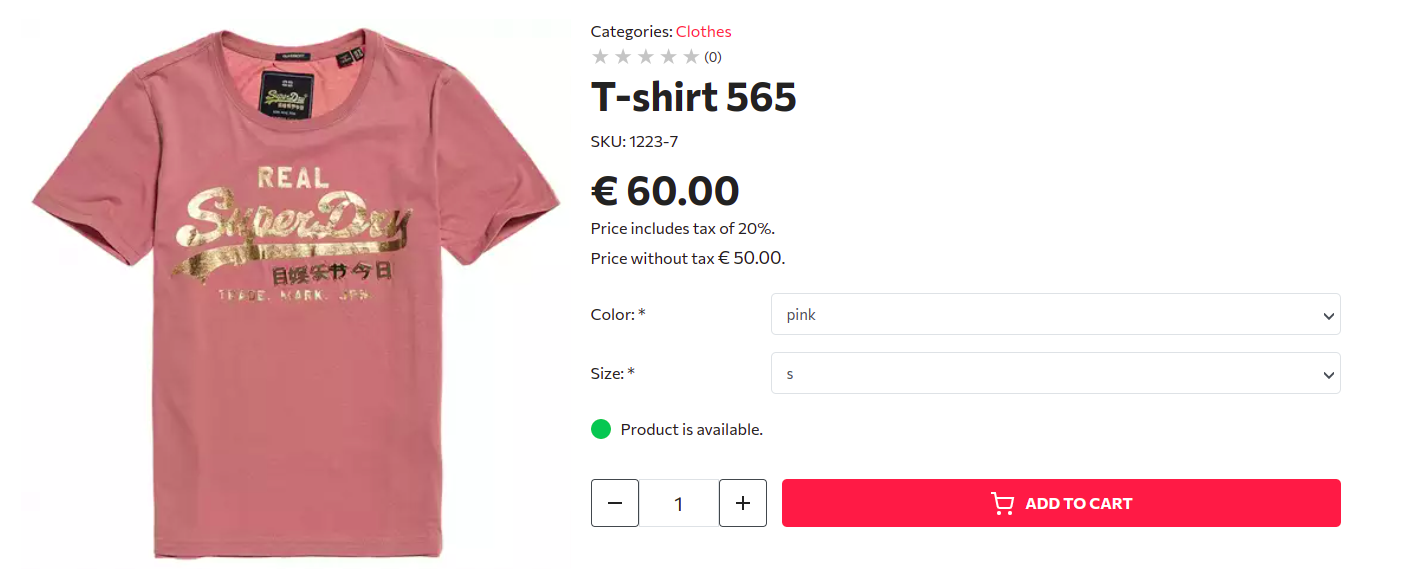
Configurable product: A good example of this product type would be a sweater. For example - sweaters usually come in different colors and sizes. This lets customers choose between multiple variations of that product. When creating this product you are basically creating a wrapper product that will contain all options and display that product as a one item in your category listing. This wrapper product should have its own SKU which should be a common part of the variant / child product SKU-s. Please keep in mind that SKU of parent products should be virtual and should be there only to help you find child products and keep easier track of products in your stock. One example is a sweater that has SKU of 12235 and each child product should have SKU that begins with that number. Although this is not required it is highly recommended. Each child / variant product could have a different price. When creating a configurable product it is important to choose the correct Attribute Set since it will define its variants and their attributes. This will be used in a storefront filter as well.
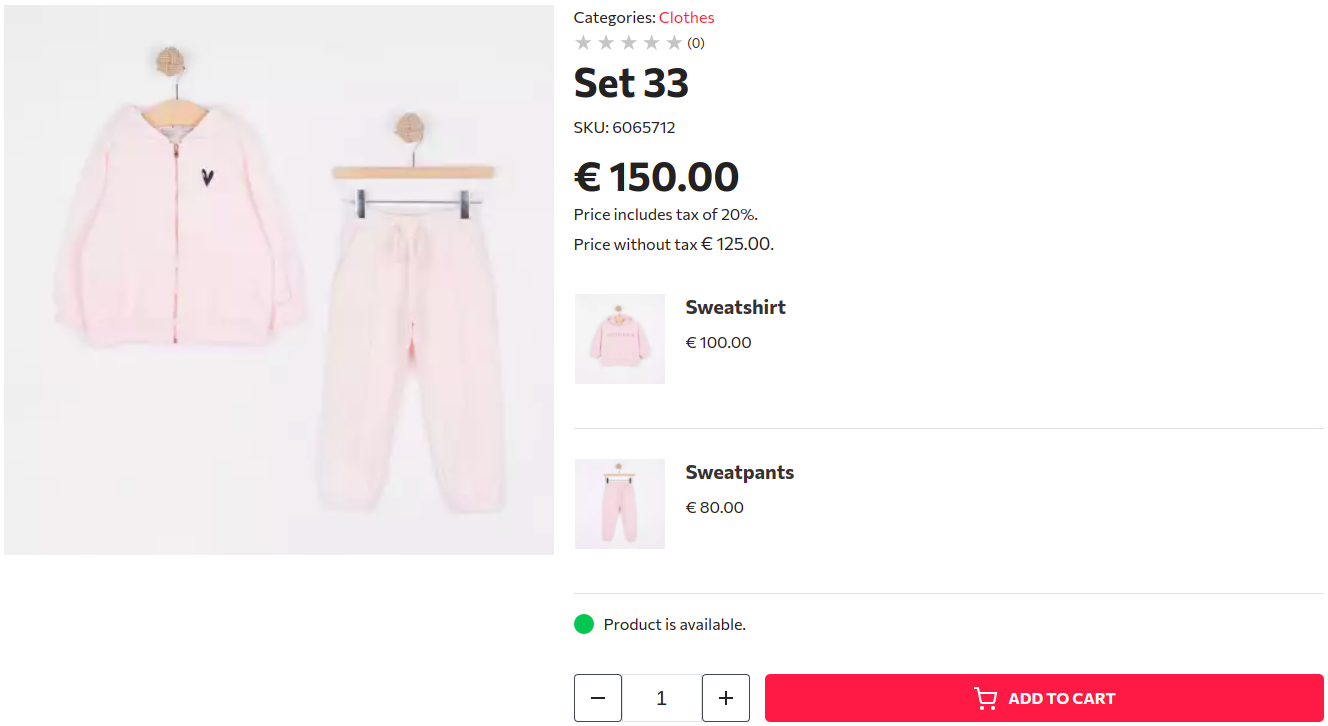
Grouped product: This product can easily be described as a bundle of products. Good example would be a sweater and a hat. This product can contain multiple products - simple or configurable. This is usually used for promotions like “Buy jeans and sweater and save 20%”. Important notice: grouped products can not contain multiple same products at this moment although this is an upcoming feature. This product does not have an attribute set and it is inheriting all the attributes from its child products. This will help your customers find it more easily in a listing by using storefront filters.
Note: you can change the product type later. If you are switching between product types please keep in mind that all the product type specific settings will be removed. For example if you are converting configurable products to simple, all variants will be automatically removed.
Creating a product is a simple process which requires only a few clicks. After you have decided which product type you would like to add you need to choose the product type from the “Add new product” button dropdown. After selecting the product type you will be redirected to create a new product page. This page will have all the possible information that your product may have. Required fields are Name, SKU.