Store locations
TAU Commerce allows you to track the status of all products in different locations. To begin with, you need to make a list of all warehouses and stores. When creating a location, you enter basic data such as address, phone number, contact person and working hours. In addition, you choose whether it is a warehouse or a store, and it will be clear to you later why the difference is important. At the end, you need to mark the pin where is the location.
Locations have several purposes, but in any case, it is extremely important for you and your clients.
For you as a seller, it means better organization when it comes to product delivery. When confirming the customer's order, you can choose from which location the package needs to be picked up.
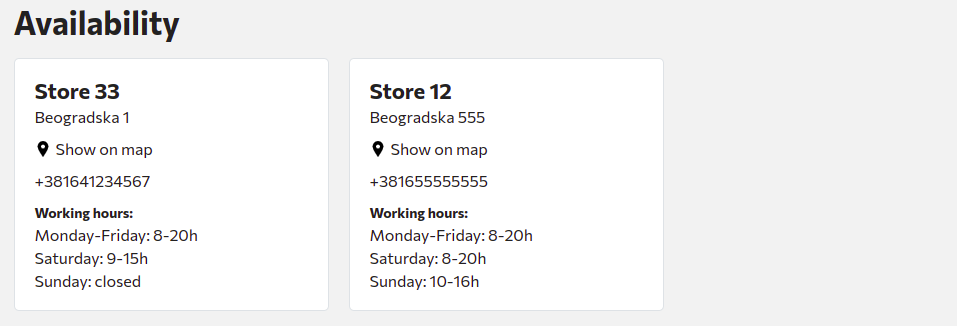
One of the advantages that locations bring to the client is the possibility of checking product availability by location, it's just up to you to update the data. For each product, the client will have the option to check availability in retail stores, in addition to being able to order online through your website (example).
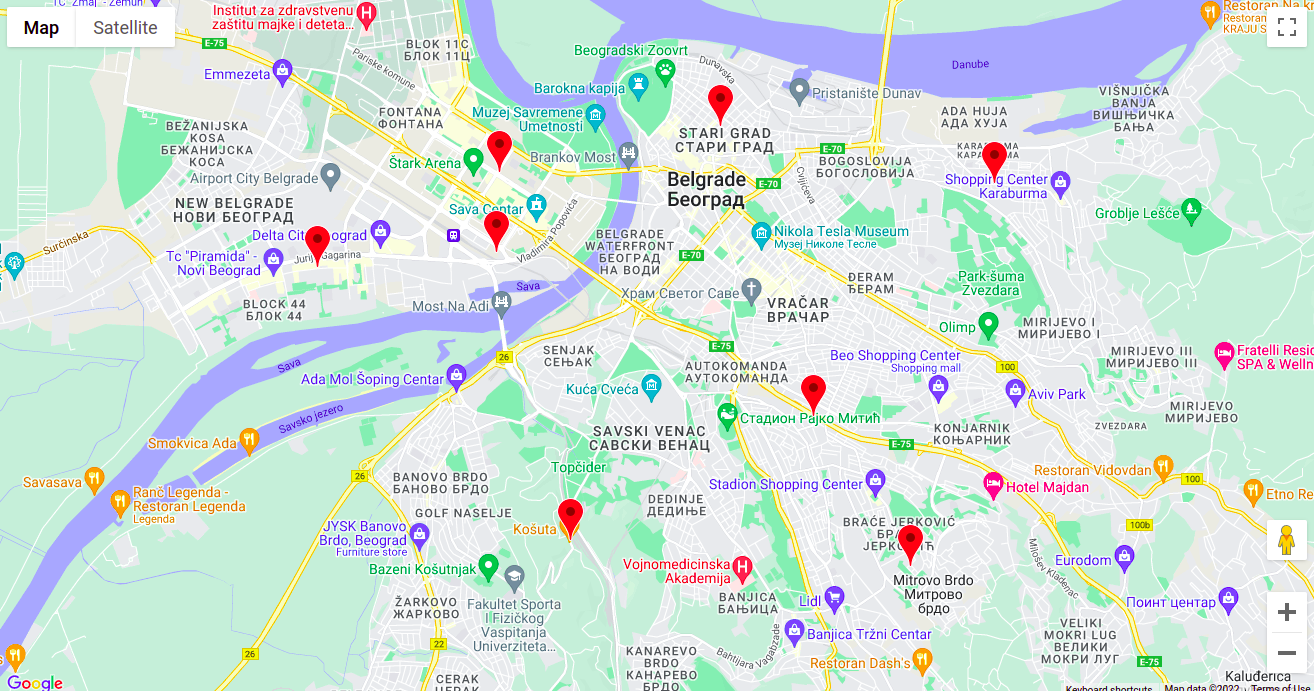
On the home page, you have the option to display pins of all locations, where clients can visit you and buy products (image). The only requirement for the above view is to register with "Google Maps" so that you can download the keys and enter them in the section Settings -> Integrations.